Hold Tight!
Loading assets for your optimal viewing experience.

For an optimal viewing experience, please access the website through your desktop device.

RAHUL DAREKAR

Contact Now

Onboarding

Seller Portal

A seller portal at an ecommerce platform is a web-based platform that enables sellers to manage their online store, including listing and managing their products, tracking orders, managing inventory, and processing payments. It provides a centralized hub for sellers to access and manage their online store's various functions and data.

PROJECT

GOAL

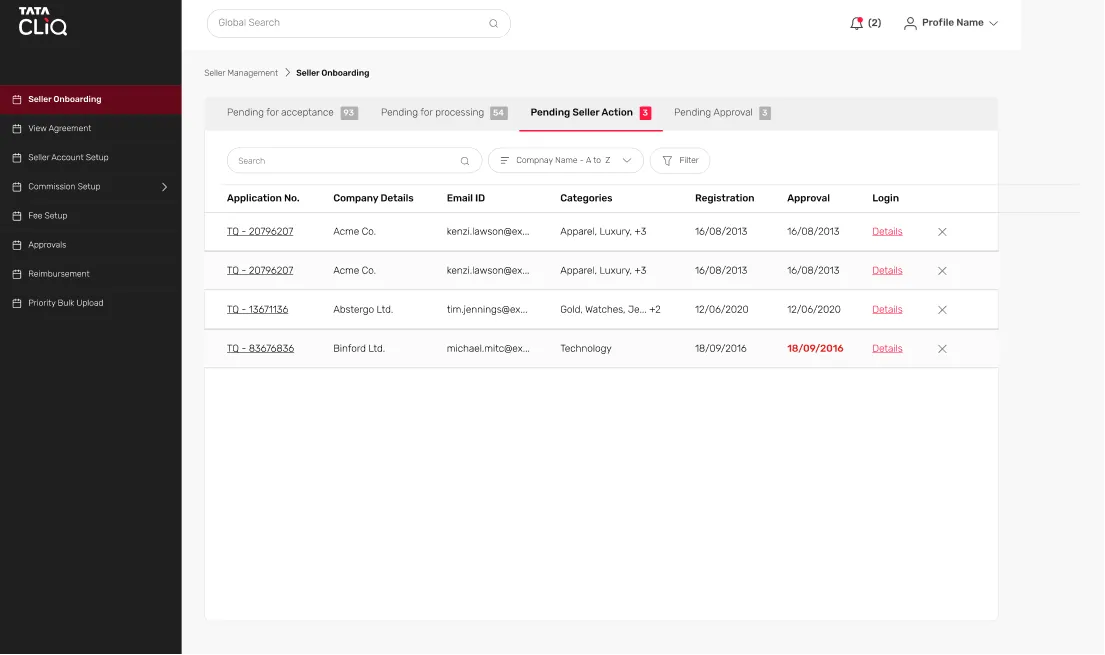
Revamp of the entire existing Seller Portal. In Last 5-6 years the seller portal was modified with band-aid solutions. Digitisation of few key flows, especially, the Onboarding Journey which used to take place via phone calls and emails, and the business team use to manually enter the collected data and agreements into the seller portal, post which login details were shared with seller.

TARGET METRICS

PROJECT complexities

3 different Products to be catered by 1 Seller Portal
28 Different Product Categories with separate requirement for each
Digitising a manual process
Incomplete product research (Realised later in the later stages of the project)
Introduction of Design System, Usability and User Research Templates, UX Documentation


PERSONAS

Business/
Category Teams

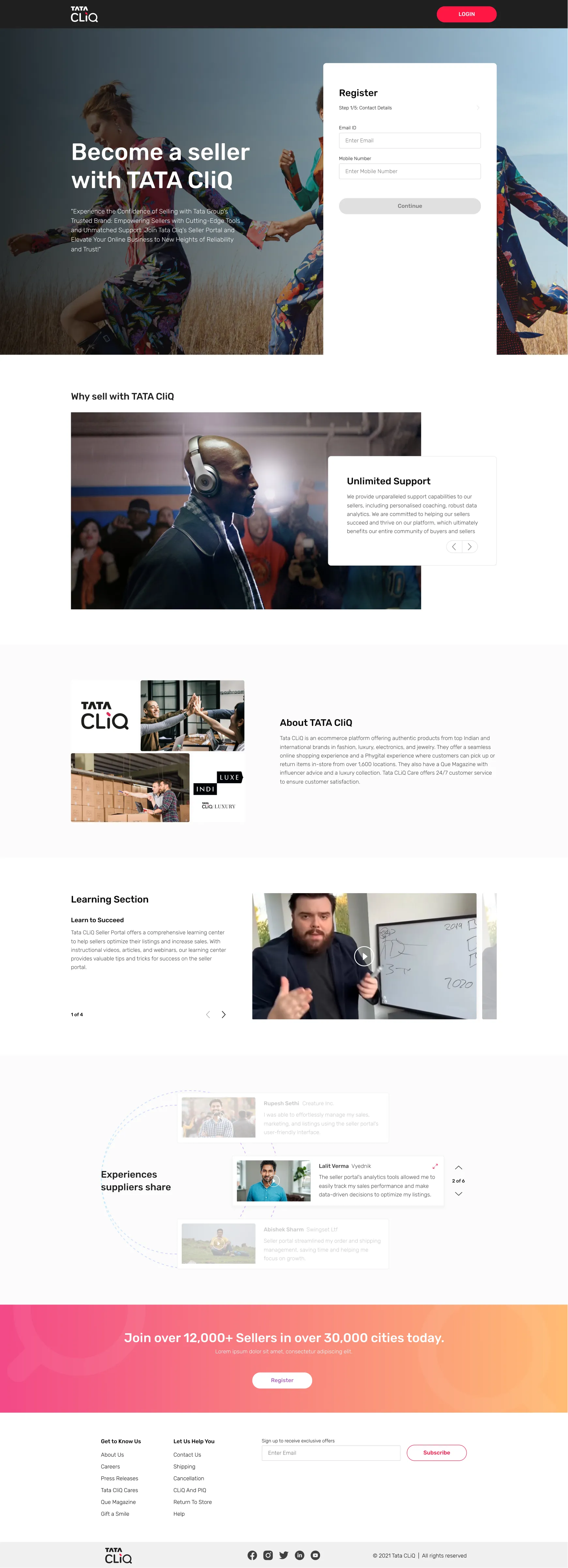
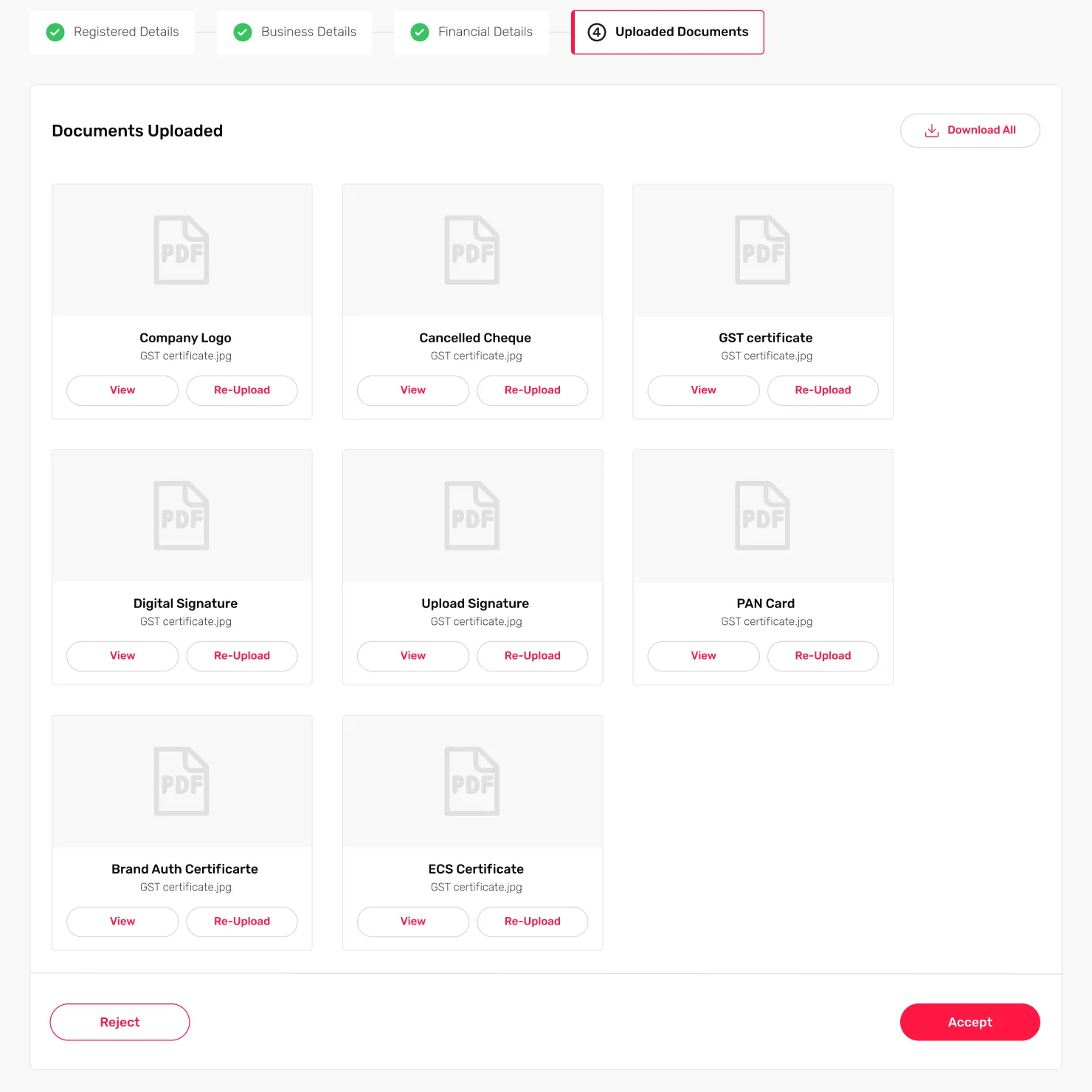
They hand-pick the sellers and get all information to manually upload it on the Seller Portal, and work with other teams at Tata CLiQ to ensure all aspects of Onboarding are successful.

SELLERS

They have to send all the information that is asked for to the Category teams via emails, and agree to various T&Cs and negotiate on commissions.

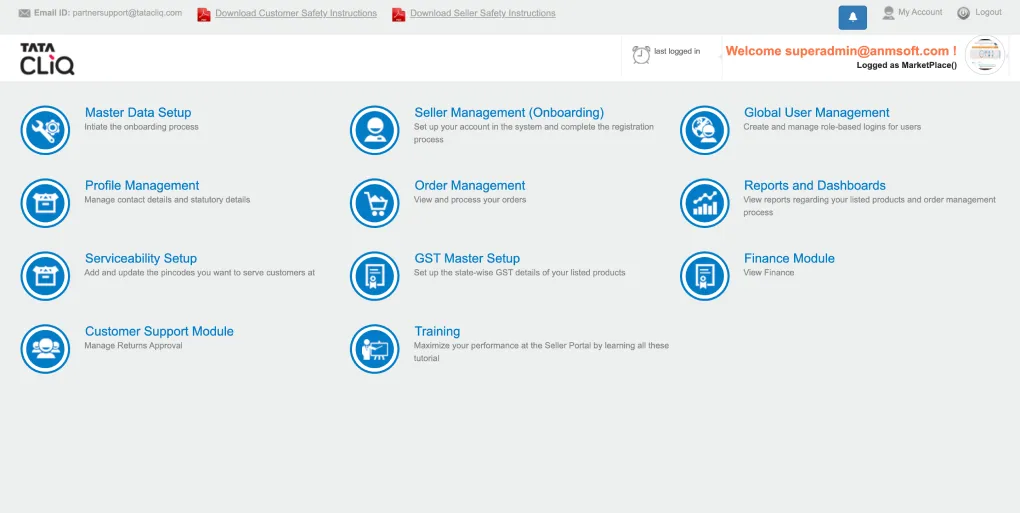
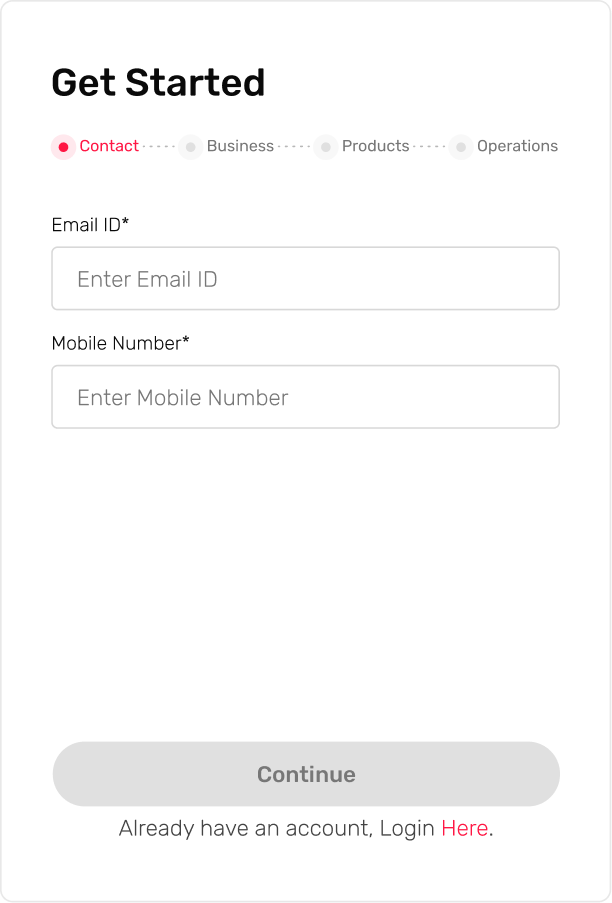
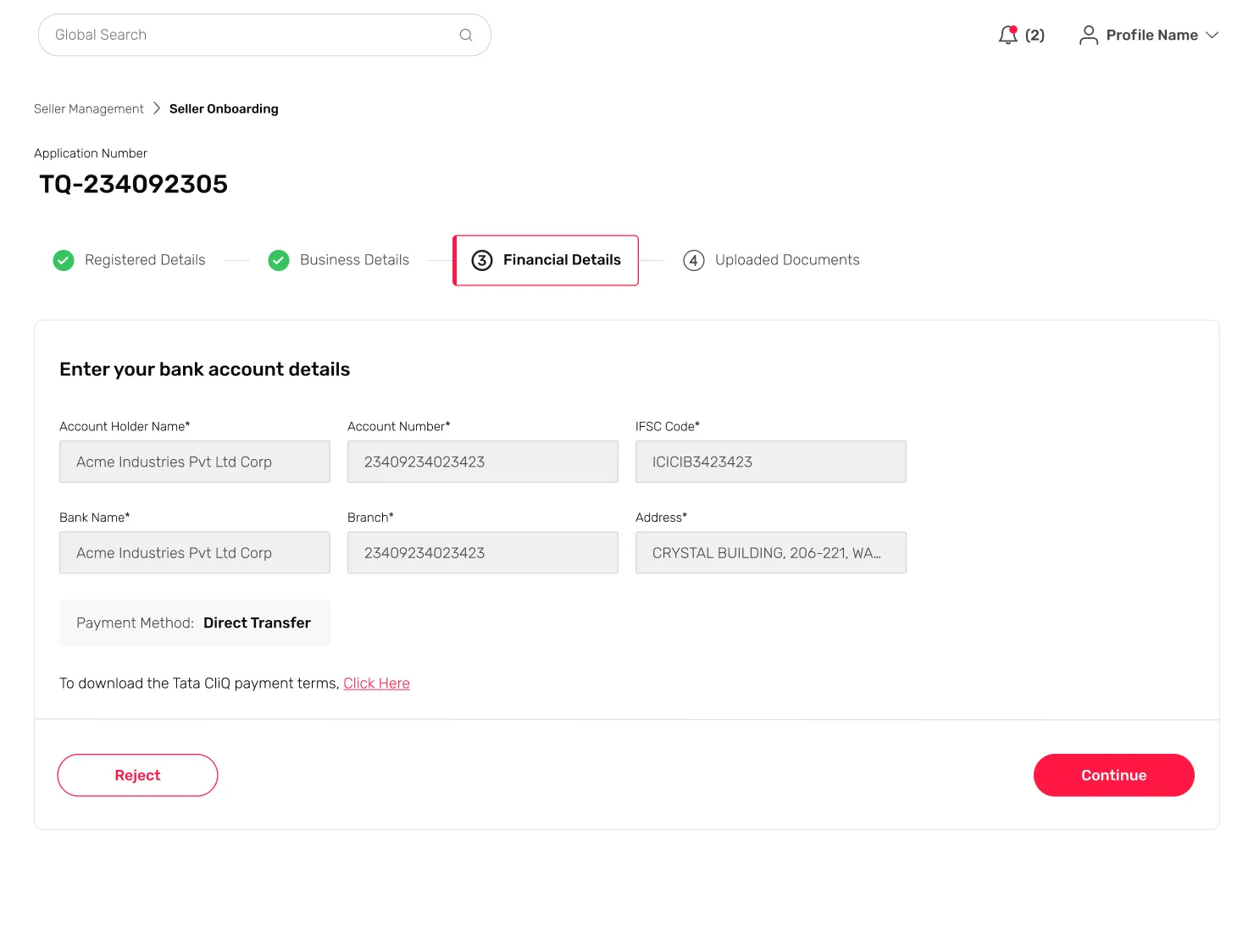
OLD SCREEN UI

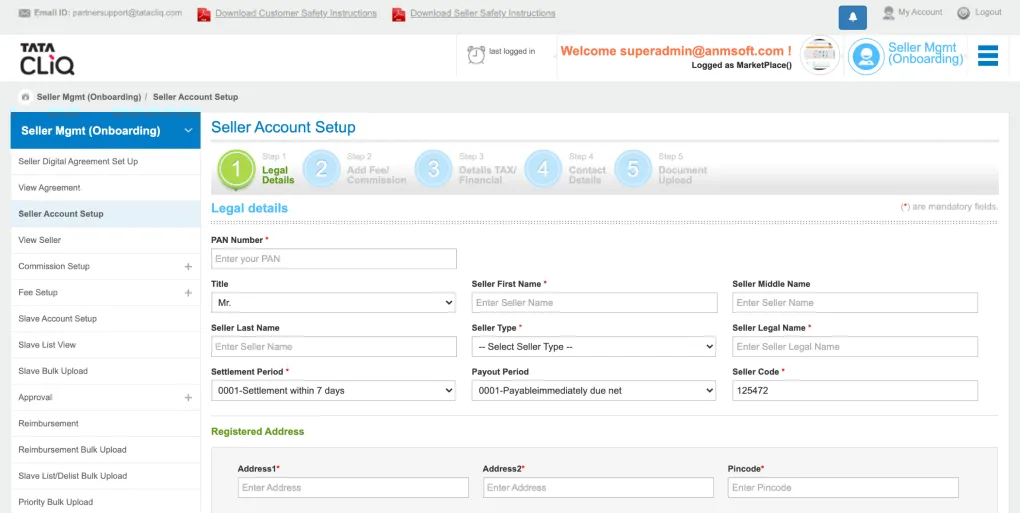
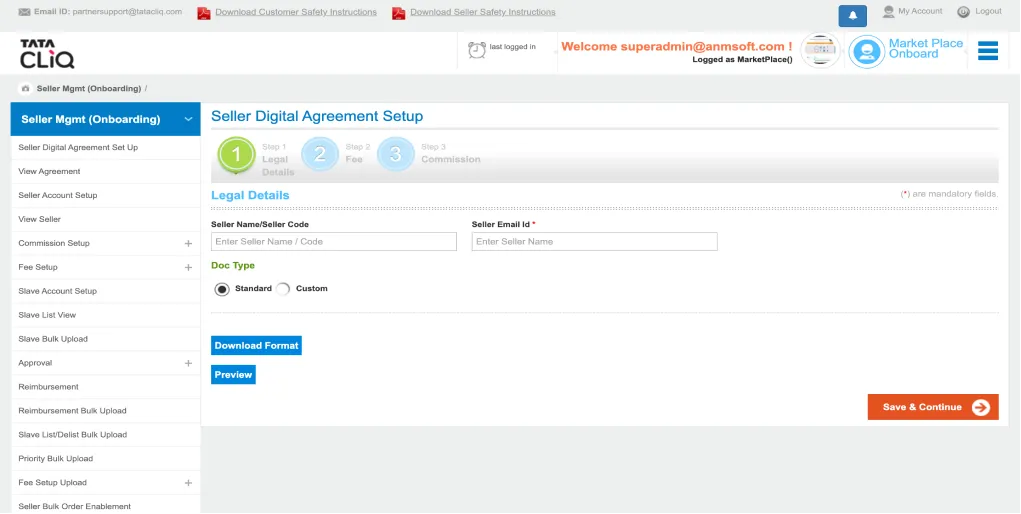
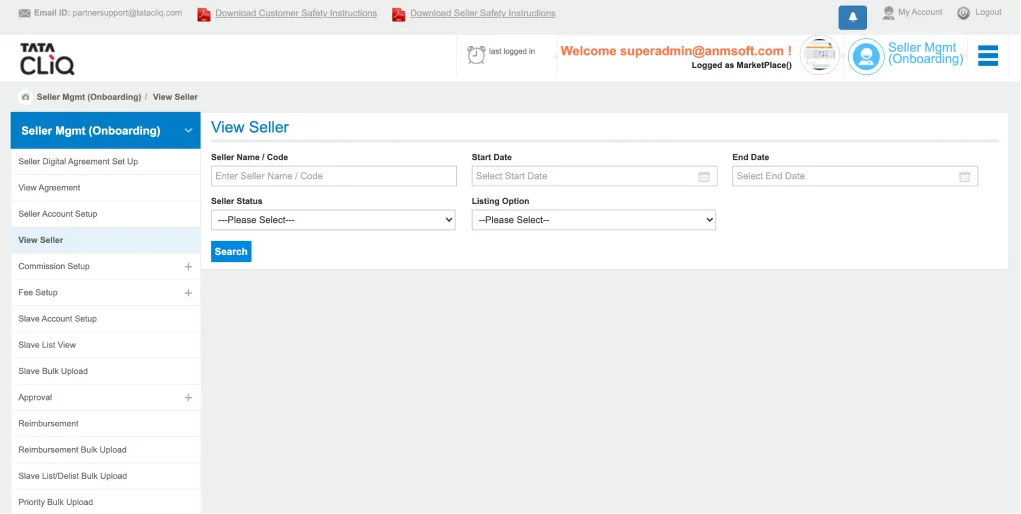
OLD SCREEN UI

A-TEAM

Shami and Anushka

PRODUCT DESIGNER INTERNS
Worked on the interviews for usability testing and later on the user research. Created report and presentation for company wide alignment.

1

Salaath

PRODUCT DESIGNER
Worked on the Design System and the initial UI/UX before the usability testing and user research.

2

ME

SENIOR PRODUCT DESIGNER
Design Lead on the Project, and contributed as an IC on the Design System, UI/UX, Documentation and User Interviews.

&

The KICK-OFF

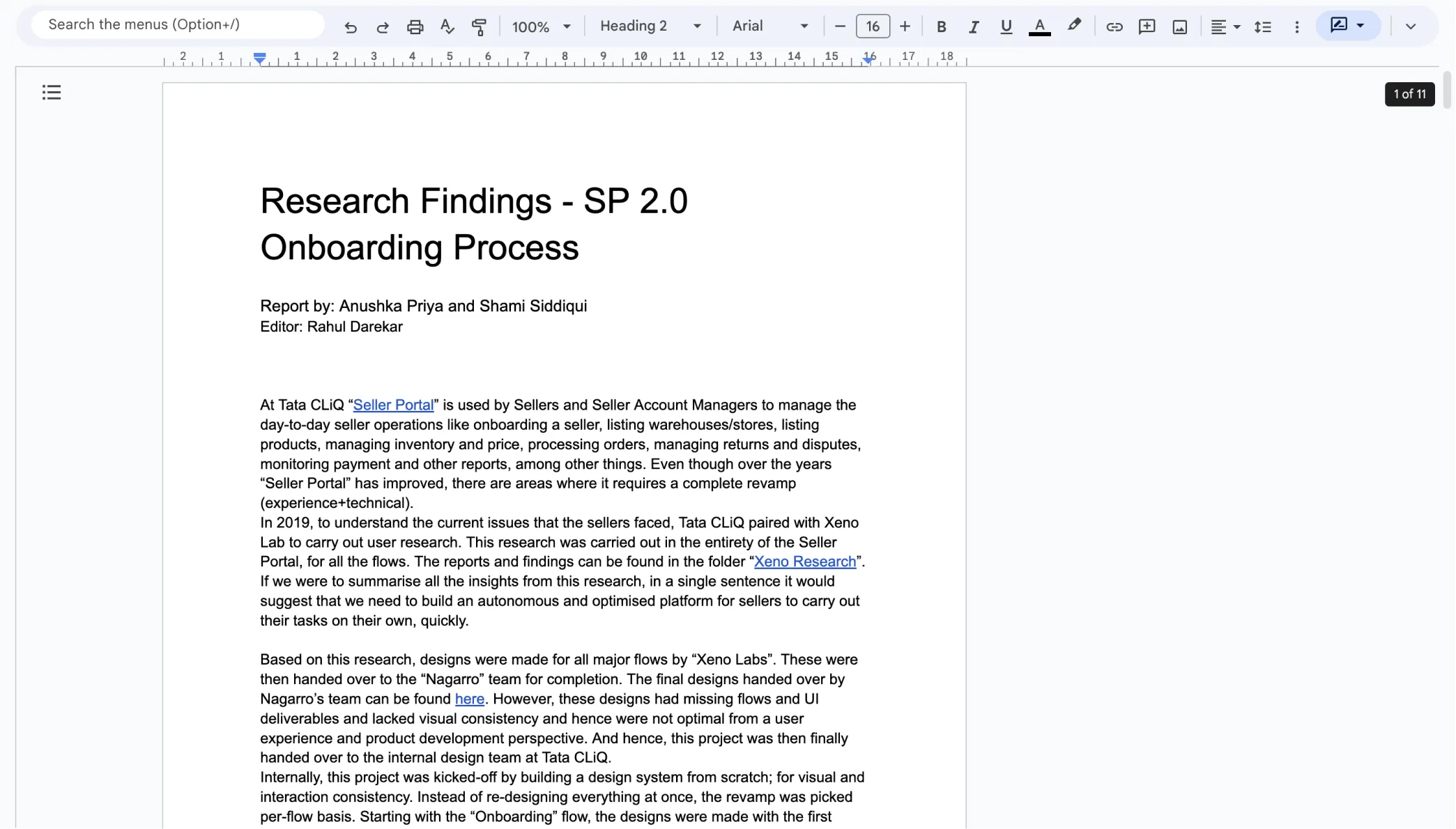
We received a a walkthrough from the Director of Product, who was in charge of the Seller Portal project. This included information on both the existing portal and the new requirements. Additionally, we were given access to several documents that contained research conducted by an external team about two years prior, which covered the entire process of the Seller Portal. This research provided us with valuable insights into the personas, user flows, and flaws in the current implementation.

Based on the information and materials provided by the Product Director, we made the decision to hold off on jumping straight into the design phase and instead focus on gaining a deeper understanding of the project.

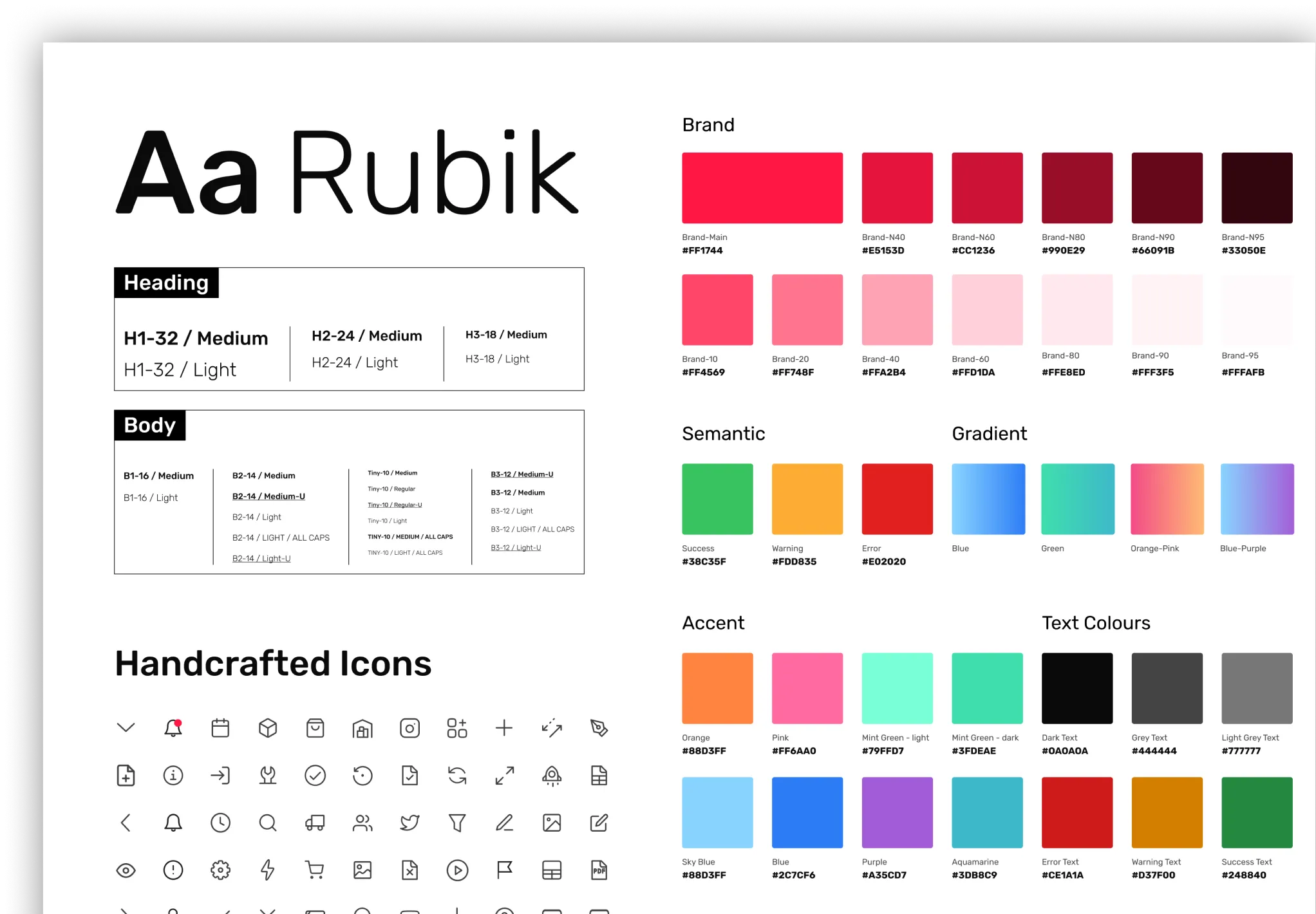
DESIGN SYSTEM

Design Values

Revamp of the entire existing Seller Portal. In Last 5-6 years the seller portal was modified with band-aid solutions. Digitisation of few key flows, especially, the Onboarding
Clarity
So that users execute their tasks quickly, with confidence.
Essential and Effective
So that users execute their tasks quickly, with confidence.
Consistency
So that users execute their tasks quickly, with confidence.
User Driven
So that users execute their tasks quickly, with confidence.

Design System Principles

This principles are practical standards for decision making while designing.

Including Documentation

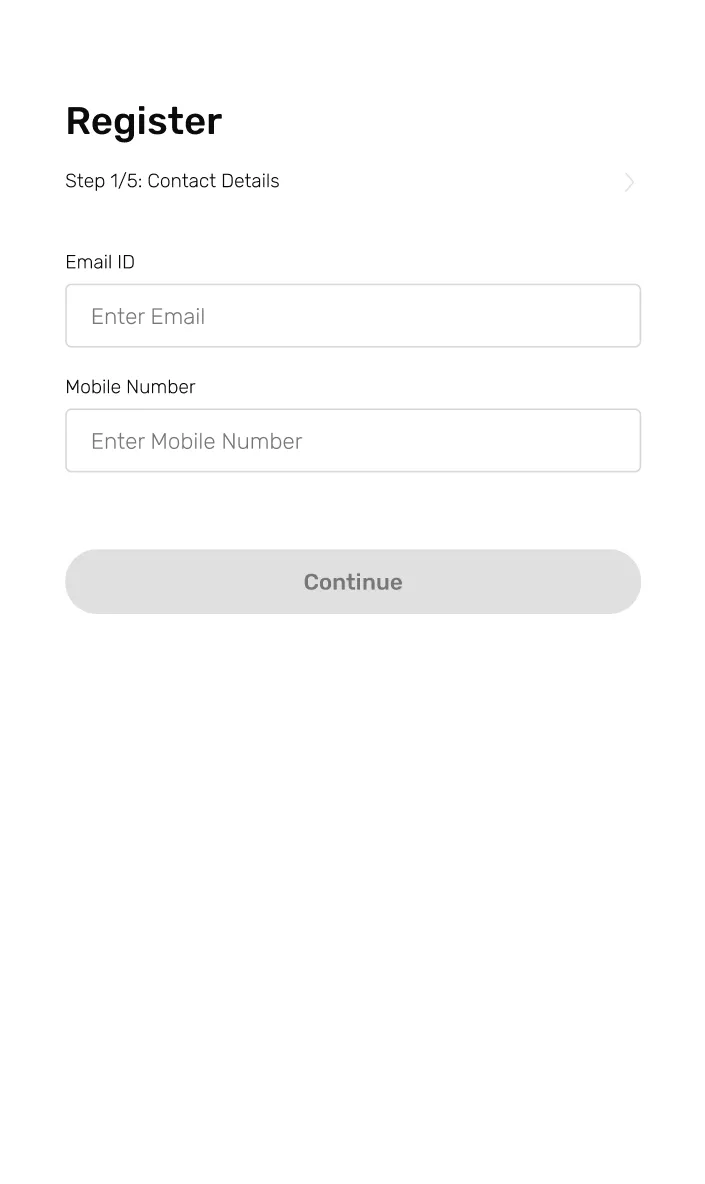
INITIAL DEISGNS

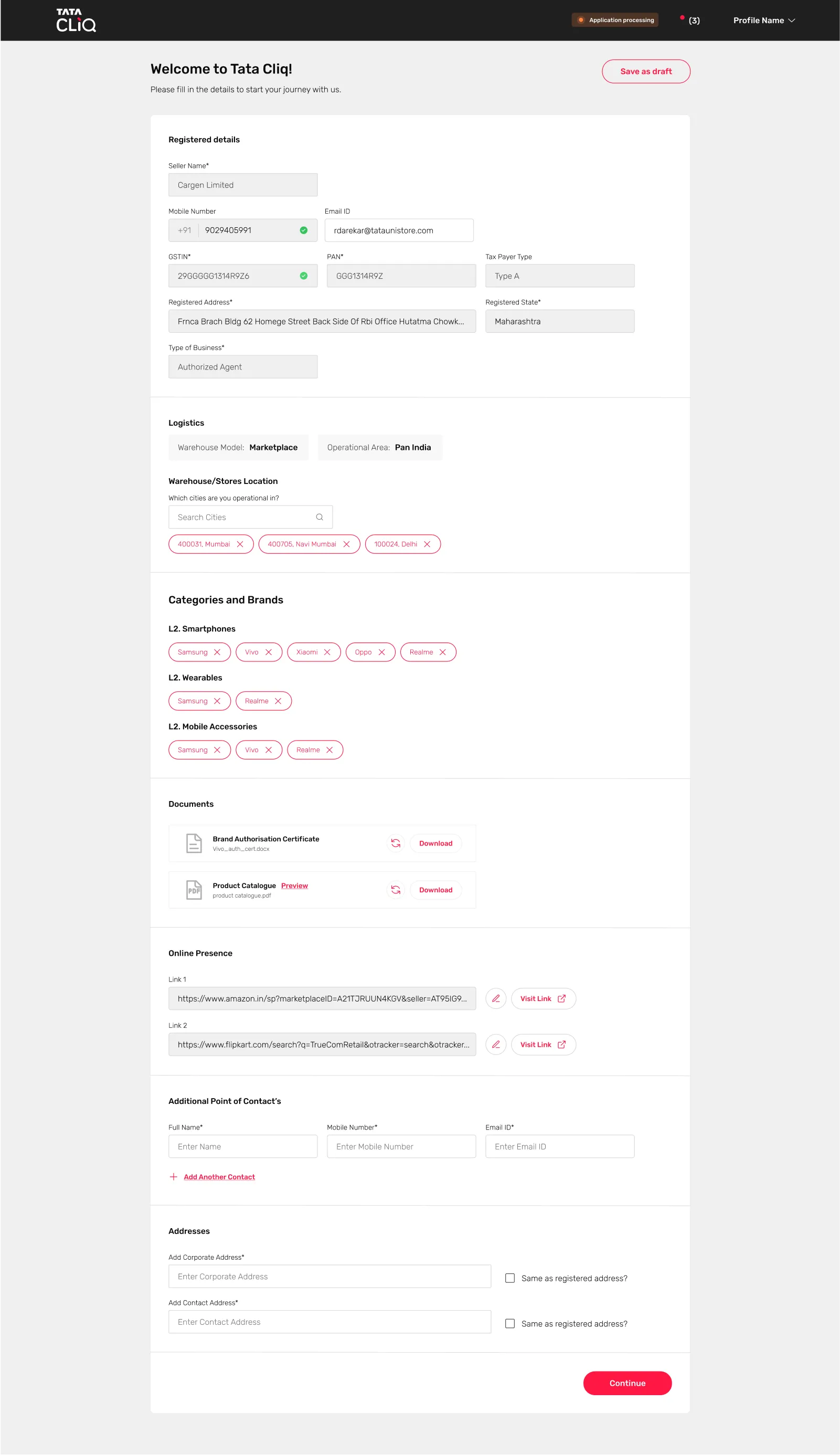
Seller Experience

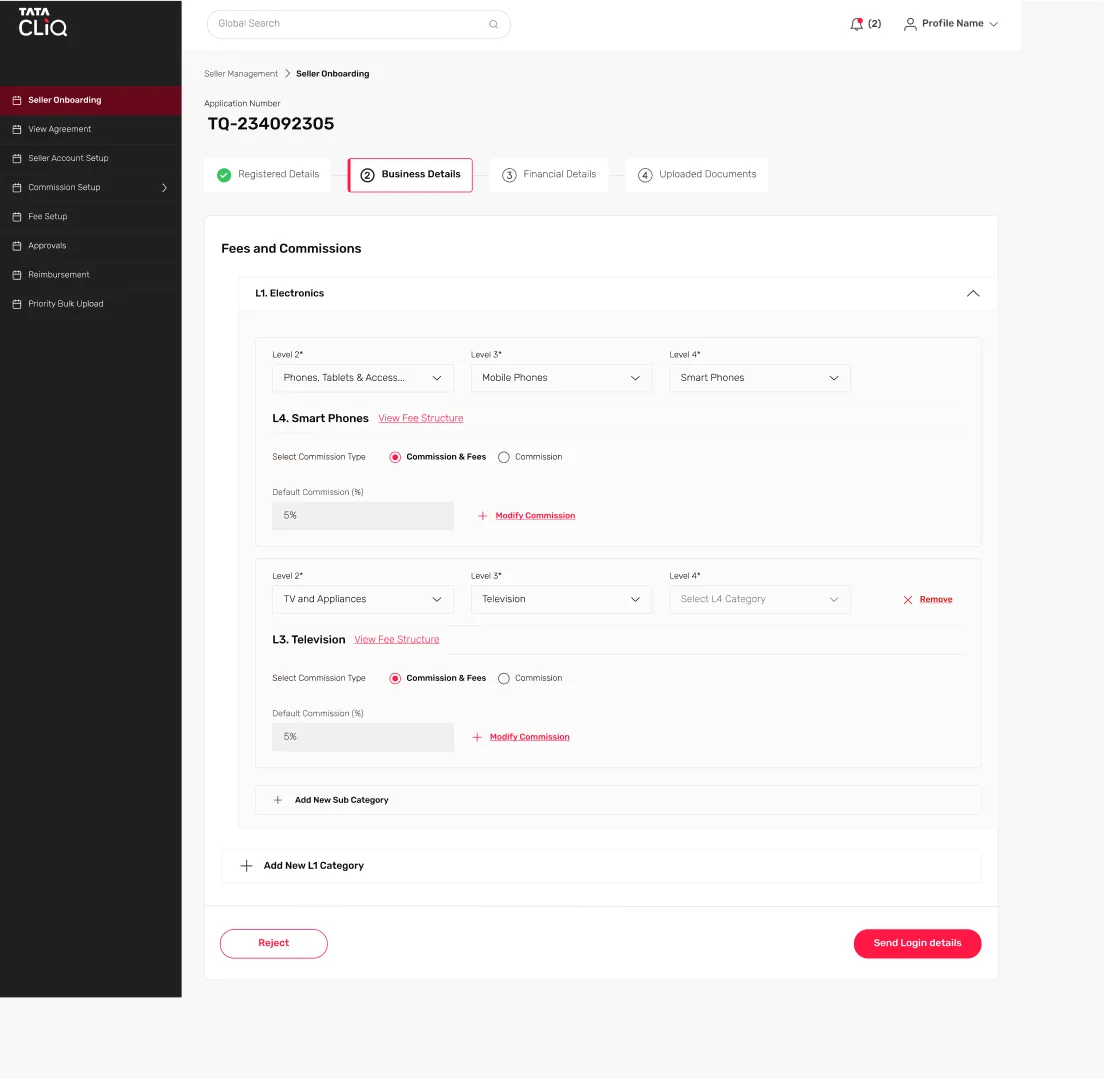
Category Team
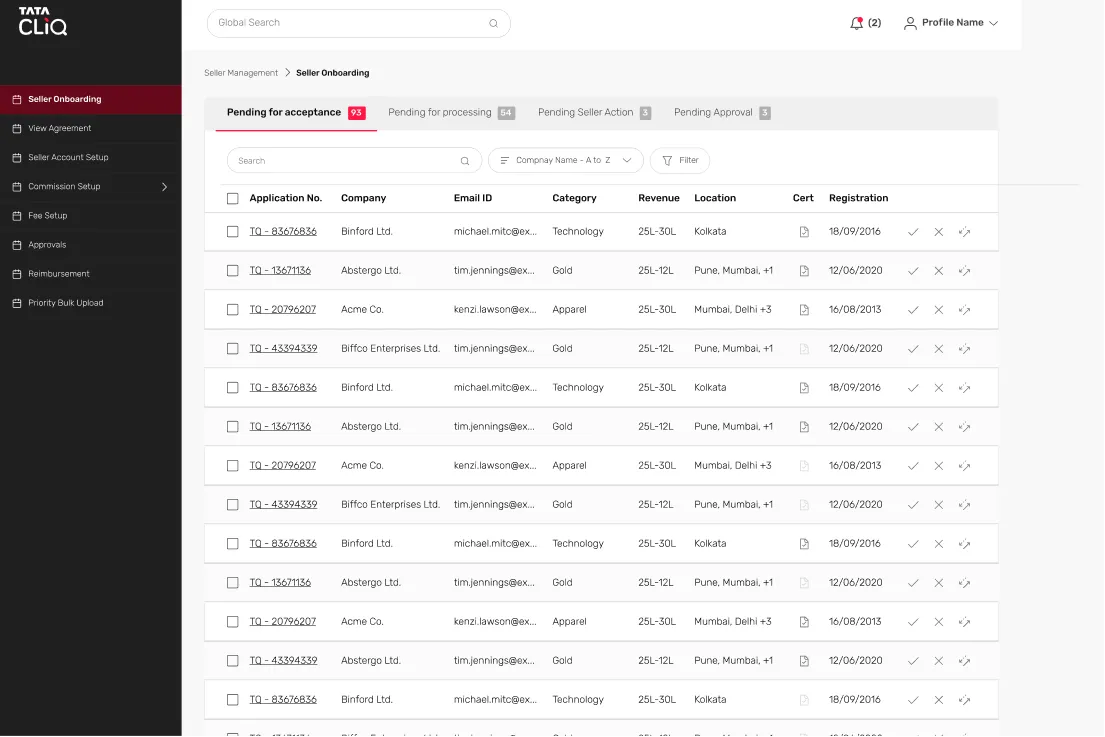
(BackOffice) Experience

Usability Testing

Usability Testing

Usability Testing

Participants Selection

For us, participant selection was important because we wanted to make sure the solution that was designed worked for all the categories. 15 participants representing the seller and SAM categories were selected.

For Back Office Flow - Seller Account Managers

  • Users who are associated with primary product categories (participant/category)

For Seller Flow - Business/Category Team

  • Diverse years of experience in using Seller Portal.
  • Worked with Tata CLiQ for an "n" period or have newly joined.

Schedule & Location

The tests were scheduled for the last week of February and the first week of March. Some of them were conducted virtually and some were conducted in the Mumbai Office. Participants were asked to fill out a form that collected their basic details. These details helped us to assign them a specific role and user flow.

Microsoft Teams

In Person/Office: Mumbai

Sessions

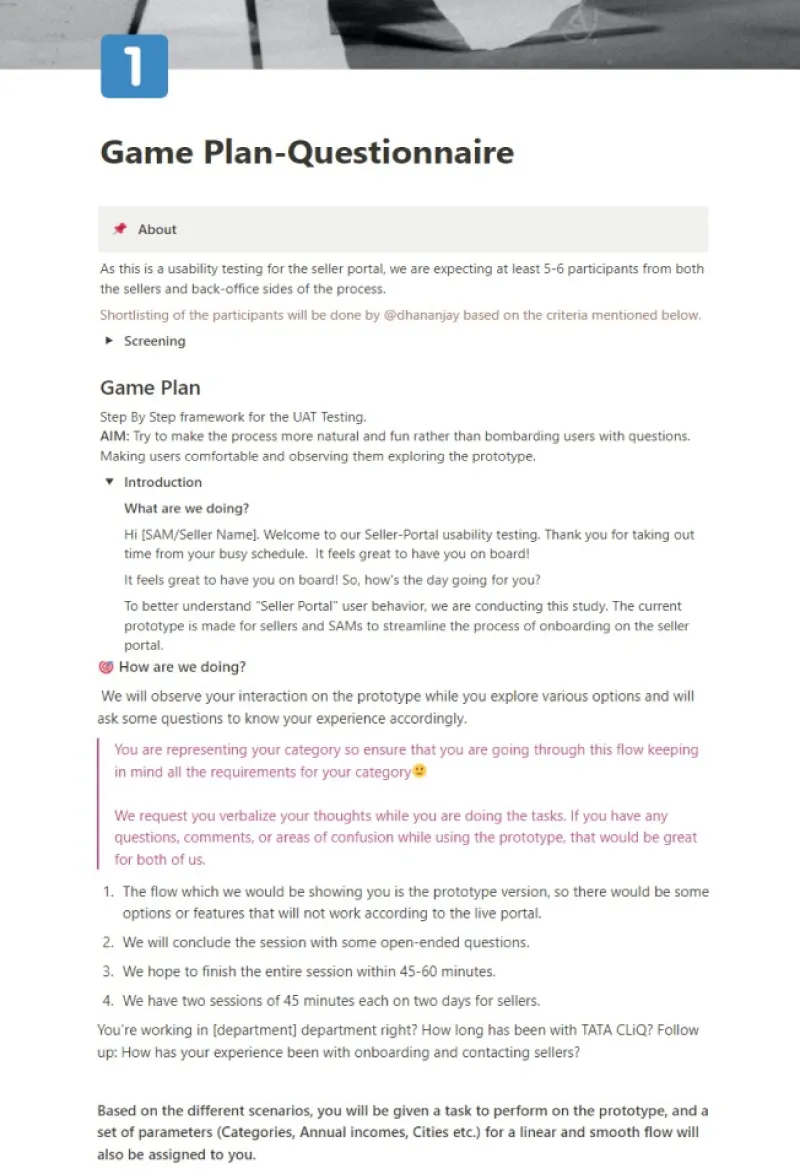
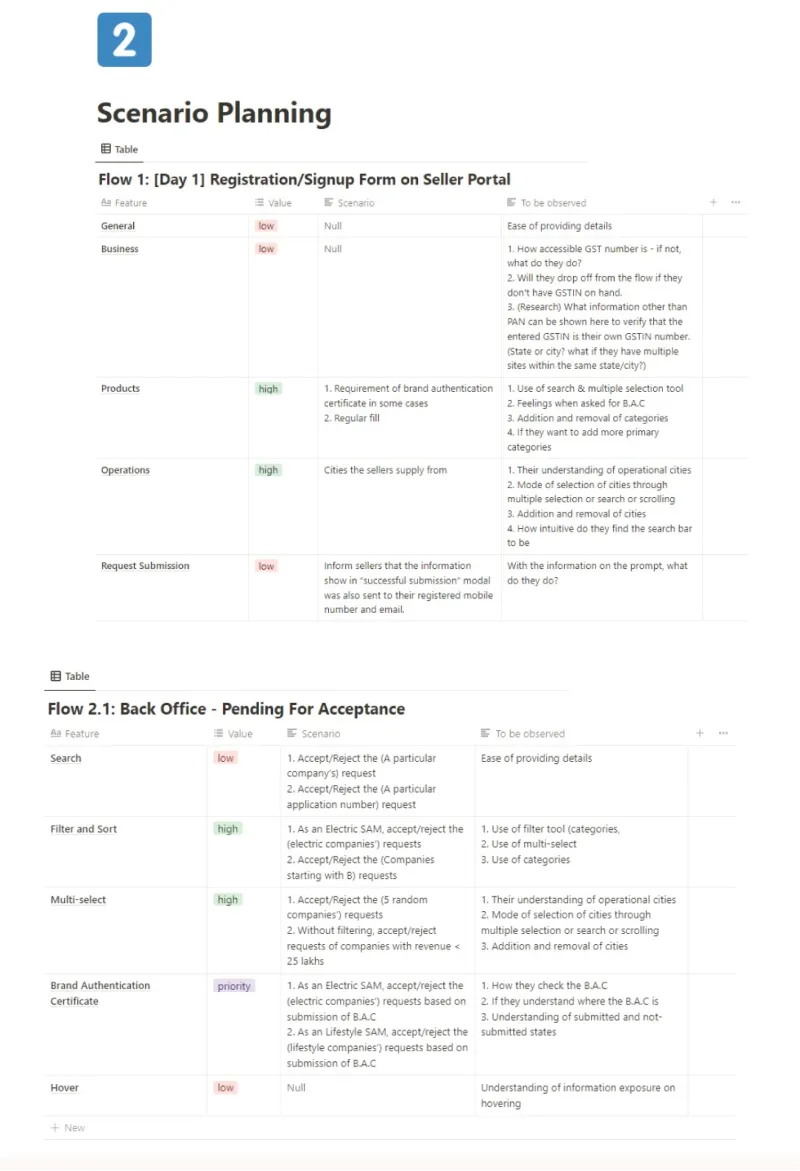
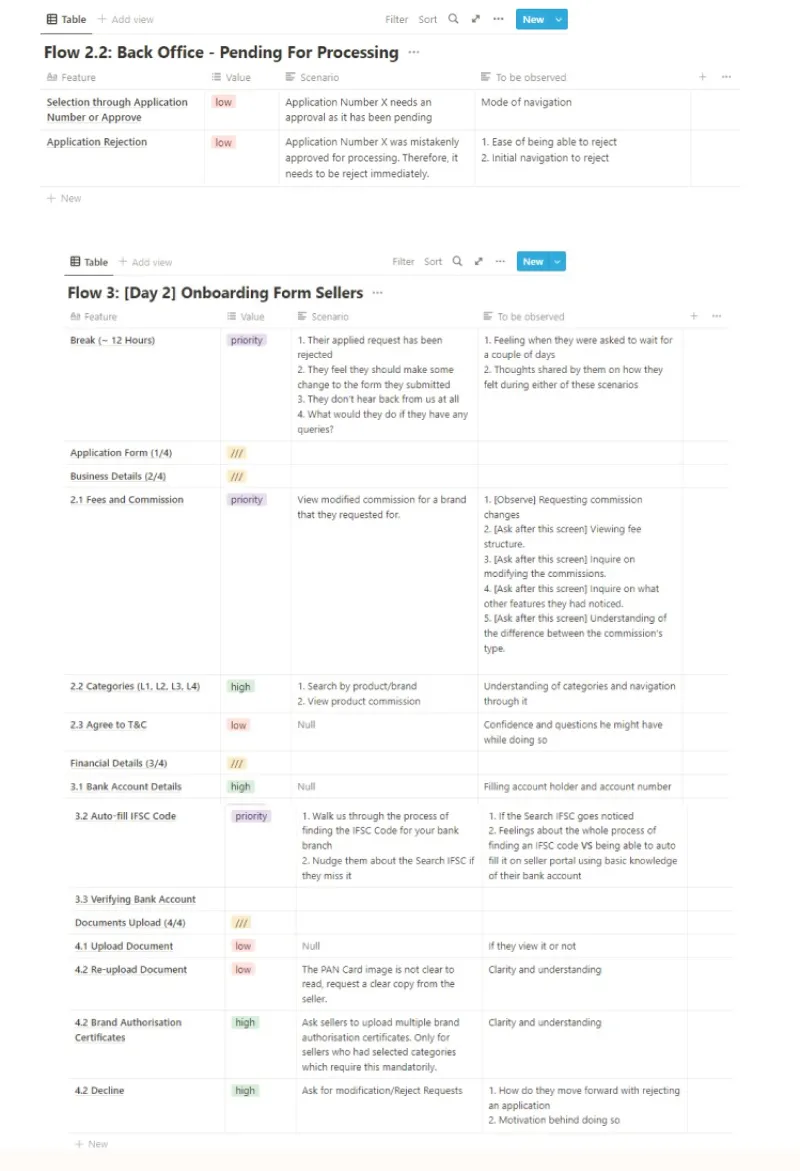
The session length differed according to our type of users. For sellers, two sessions (registration and sign-up) were conducted with a gap of a minimum of 24 hours. This was done to understand different scenarios that might come up while the sellers wait for the approval of their applications. In the case of back-office user flow, the sessions were divided into two parts due to time constraints.

Scenarios/Questionnaires

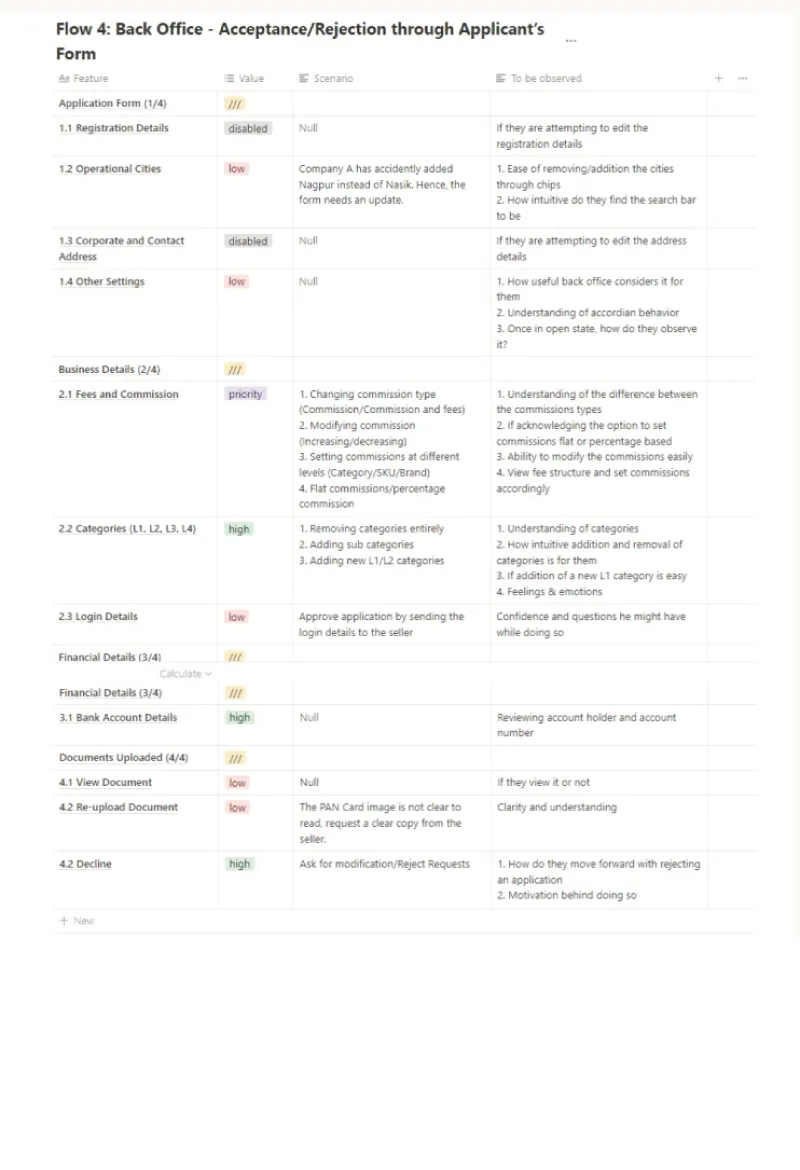
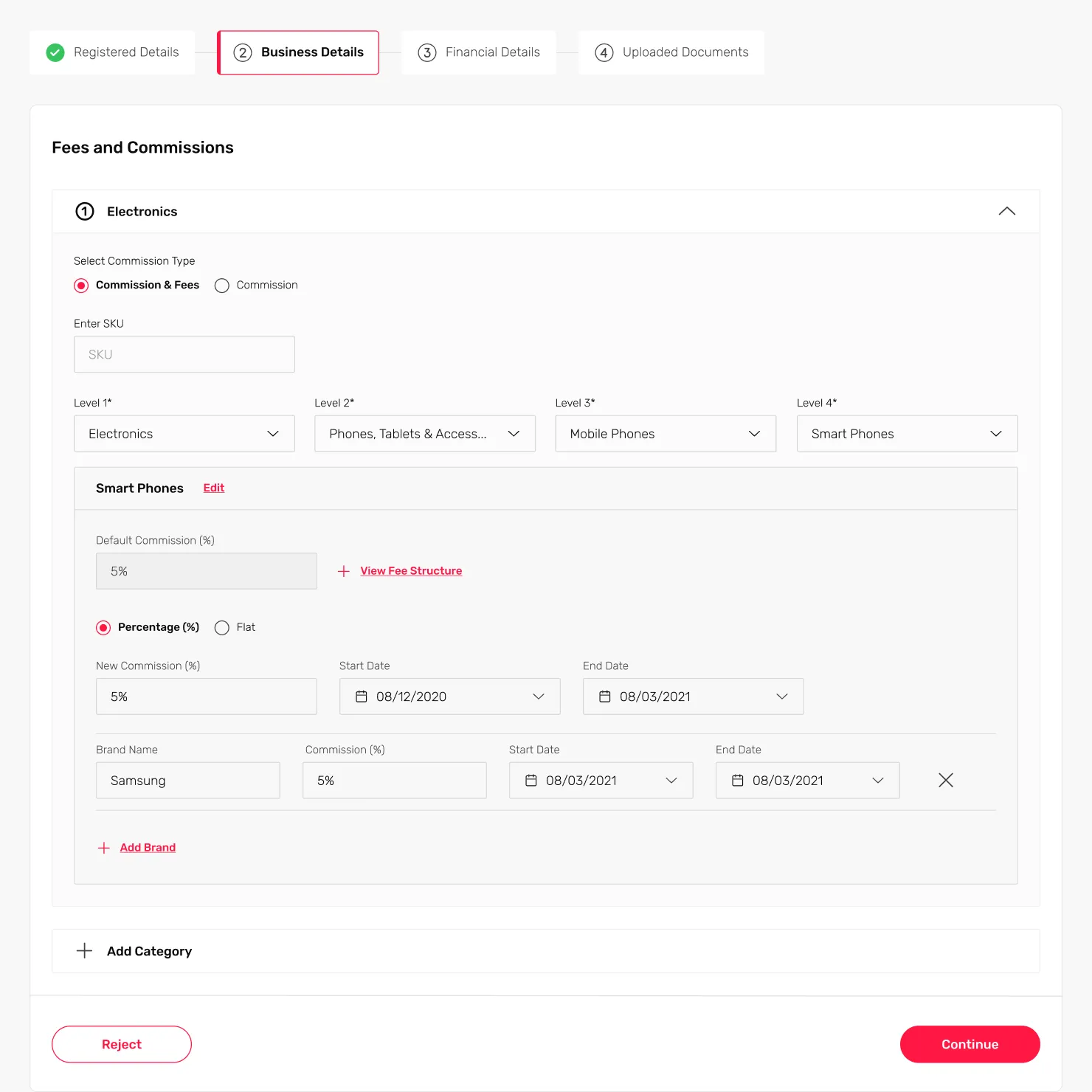
Different scenarios were created to test out different user flows of onboarding. Depending on the options selected in one section of the form, the sections following would completely change. At a high level, the scenarios were divided into
SELLER

Signup
Form

1

Back-Office

1st
Approval

2

SELLER

Onboarding
Form

3

Back-Office

Final
Approval

4

Pivoting to USER RESEARCH

Findings Summary

  • Current Workflow of each category.
  • Current selection process of each category team.
  • Data points and documents asked by each category for sellers in their category.
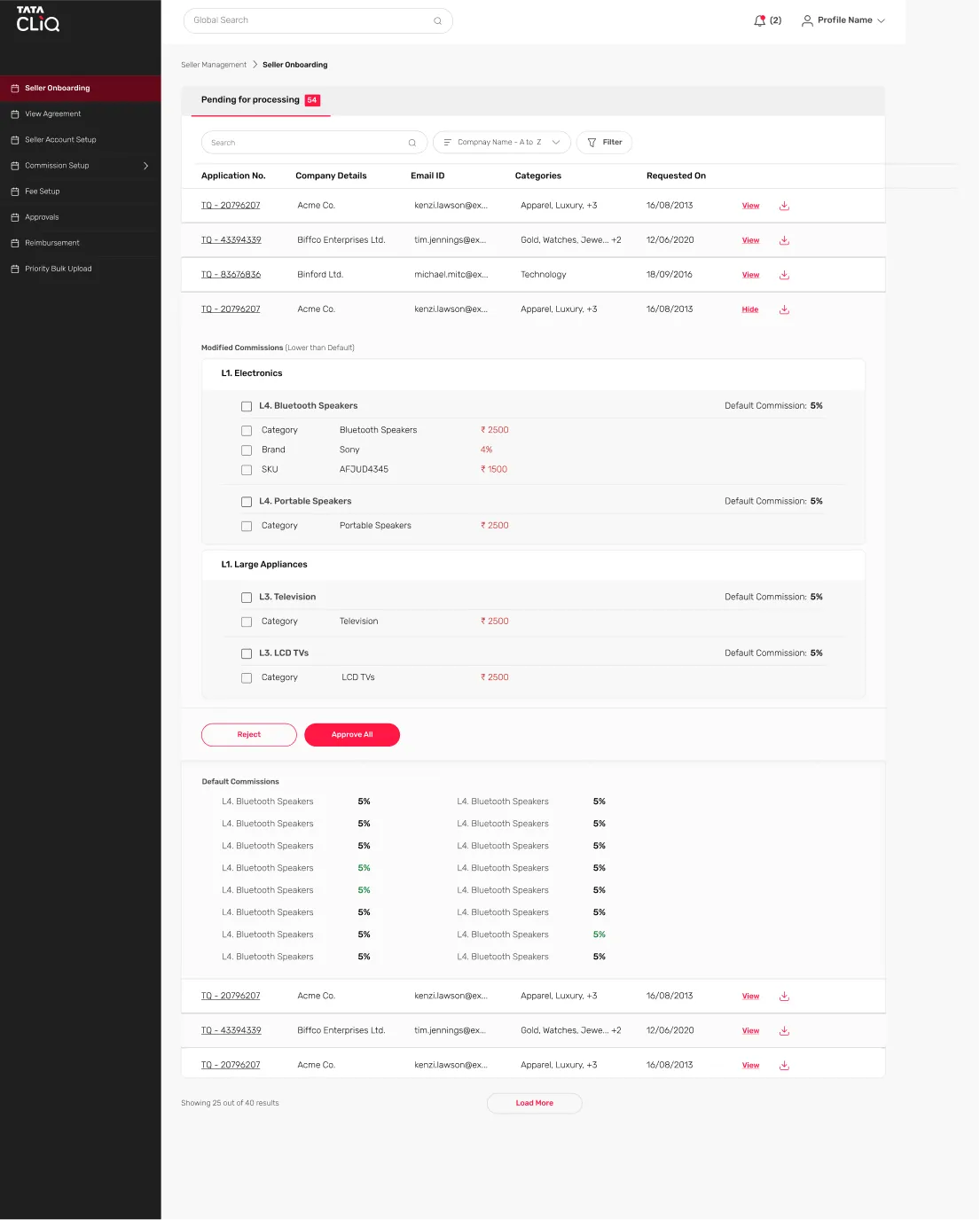
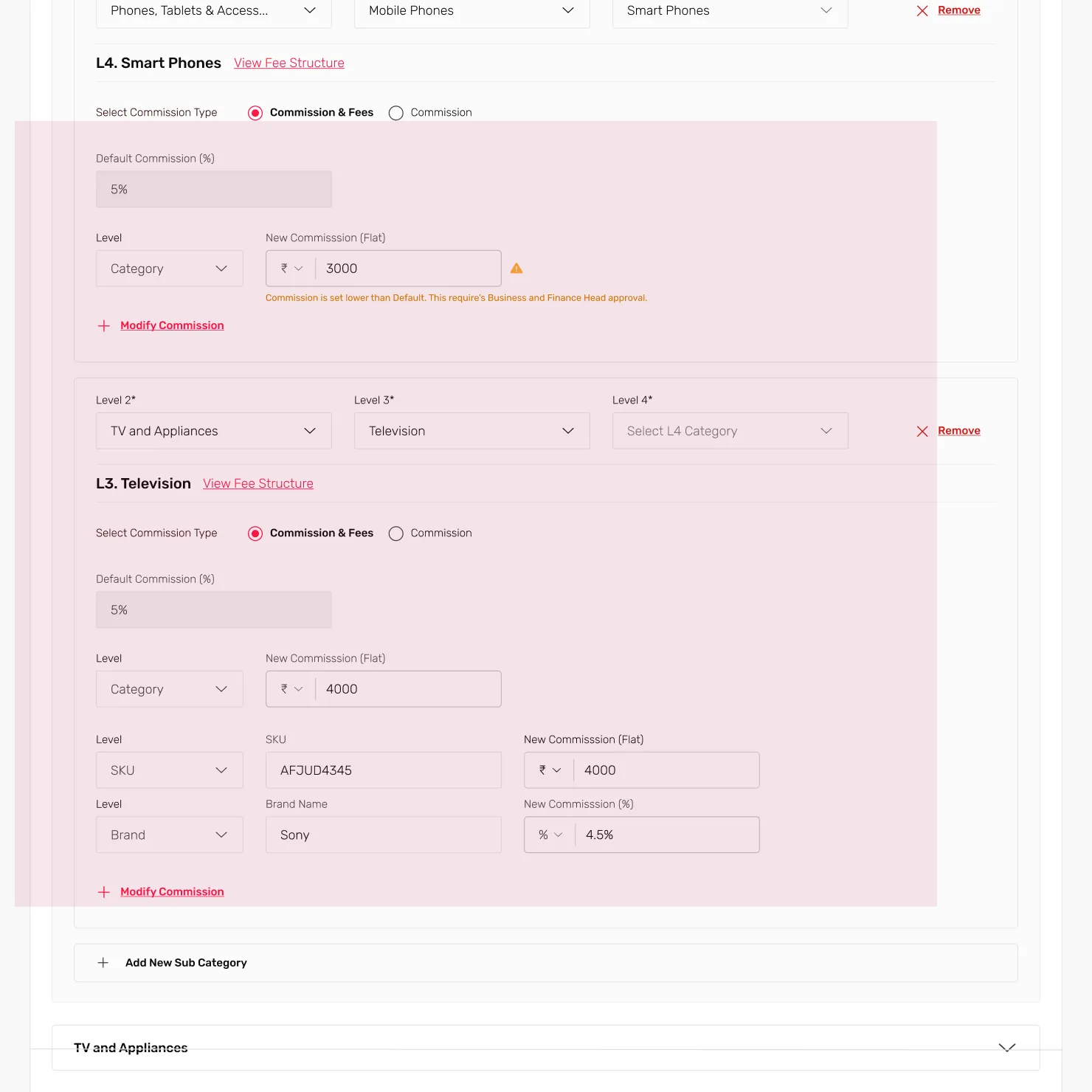
  • Calculation of commissions for each category.
  • Additional approvals required from other teams and how other operational teams are involved in the onboarding process.
  • Current usage of seller portal by category teams and sellers.
  • Operation and business relationship of Tata CLiQ with sellers.
  • Open ended feedback about current seller portal and on the new designs created for revamp.

PAIN POINTS

Finding sellers and onboarding them is a hassle and time-consuming.
Commission negotiation and calculation require multiple approvals and are time-consuming.
The category team has to email & create tickets for further operations with various teams.
Multiple bugs and feature requests were made with respect to current Seller Portal.

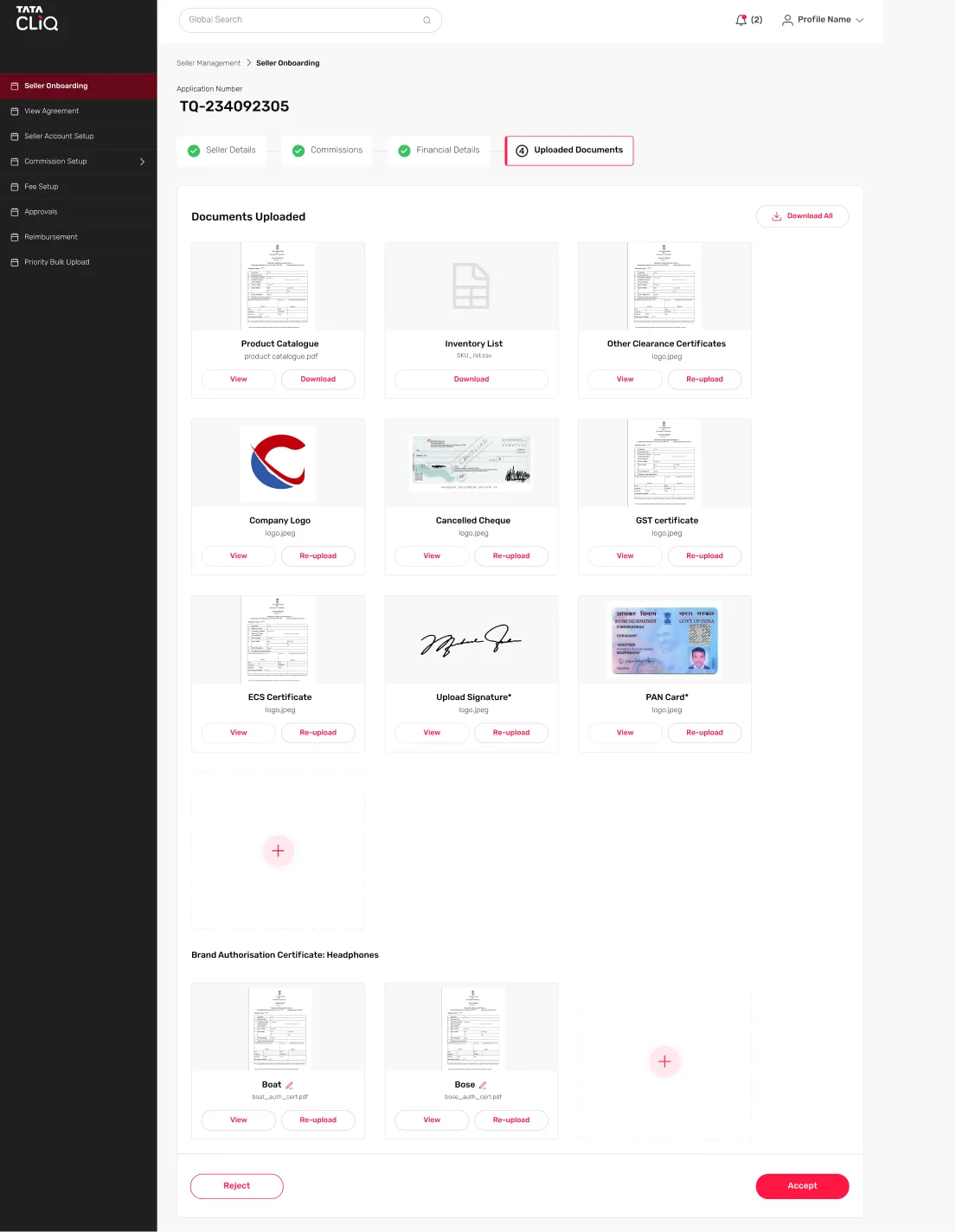
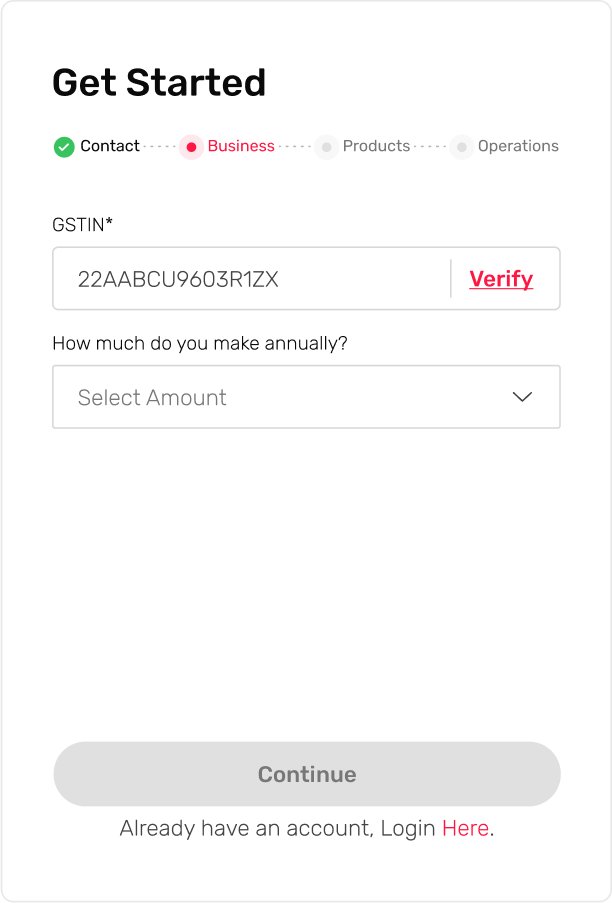
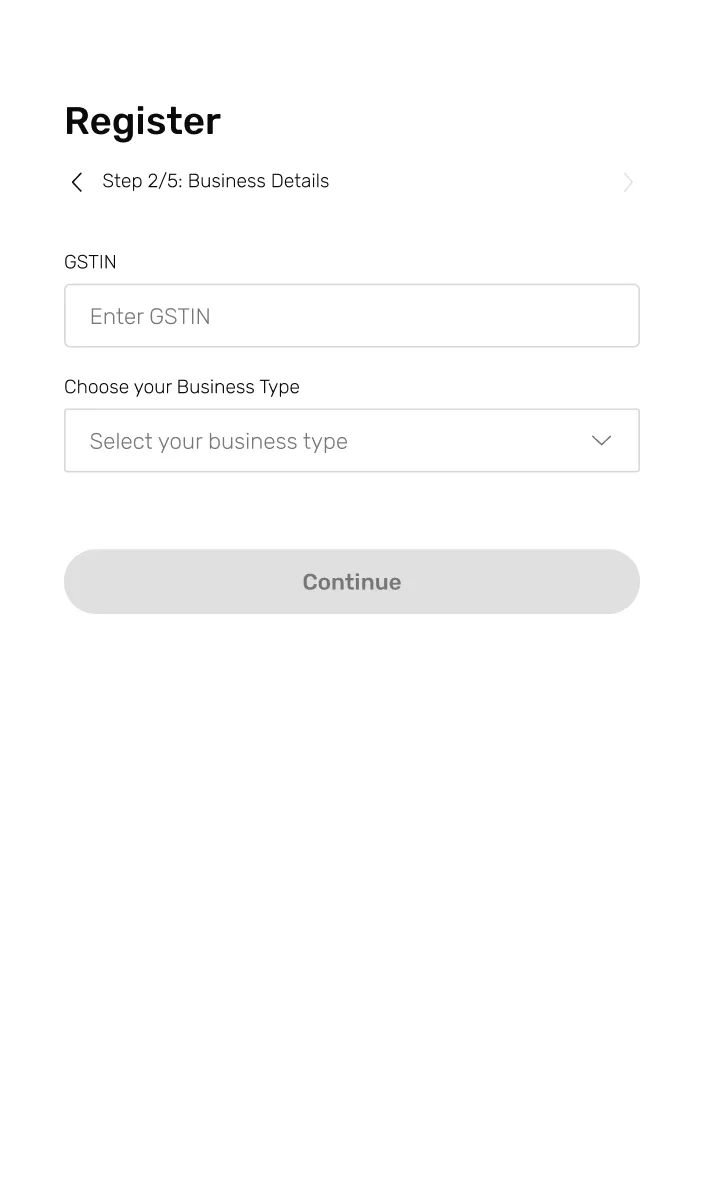
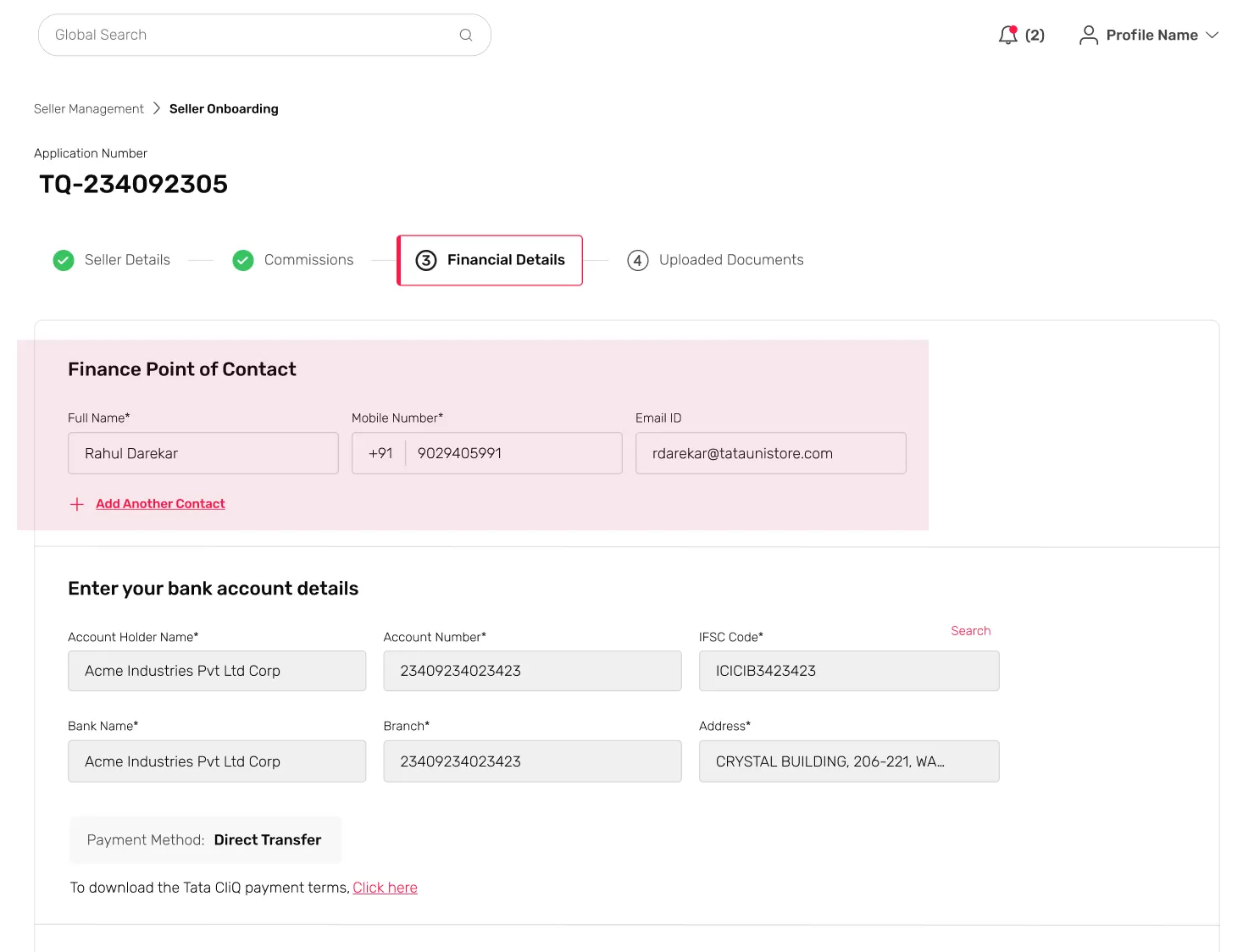
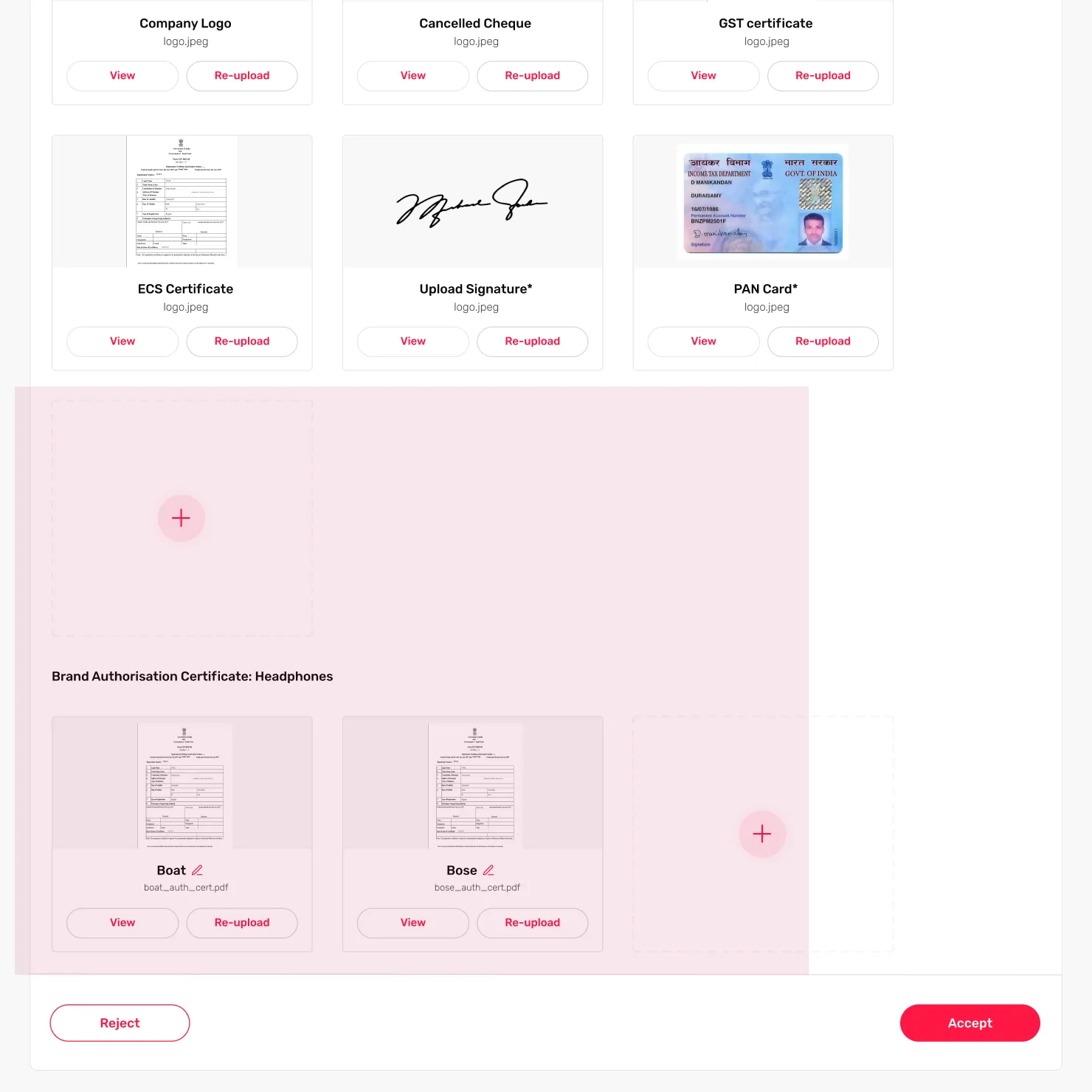
Final Design Changes

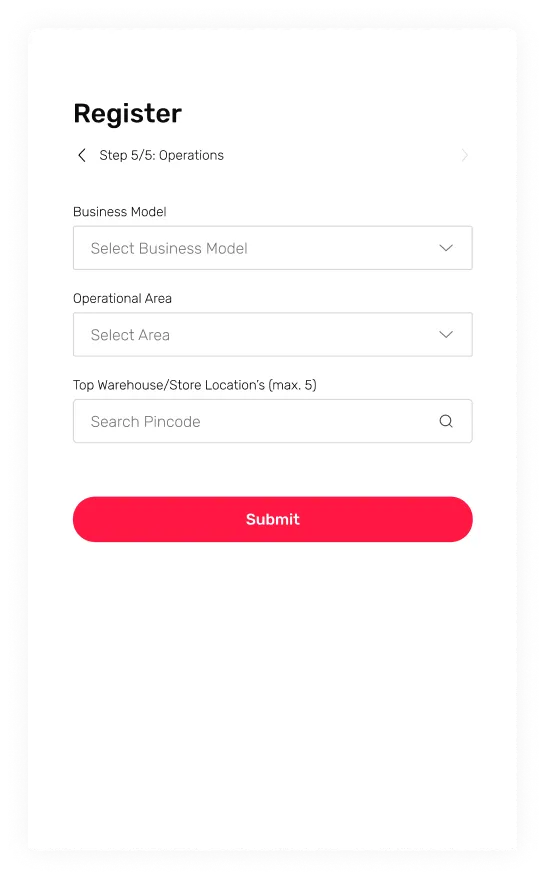
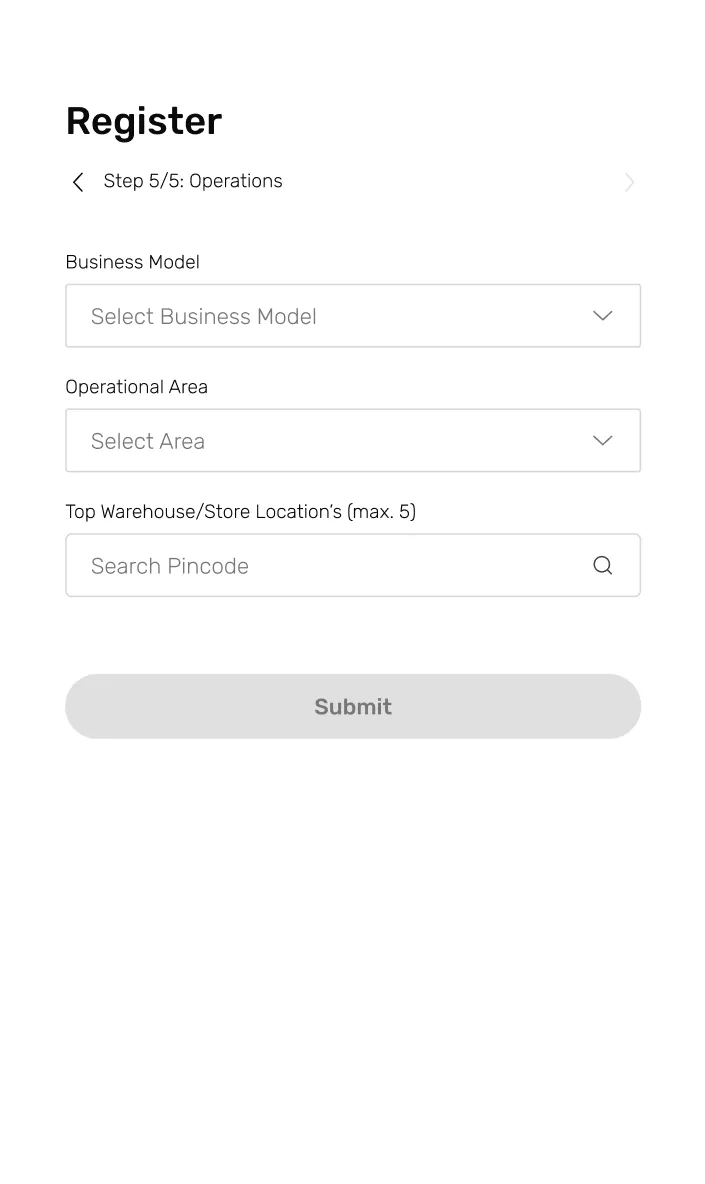
SELLER FLOW

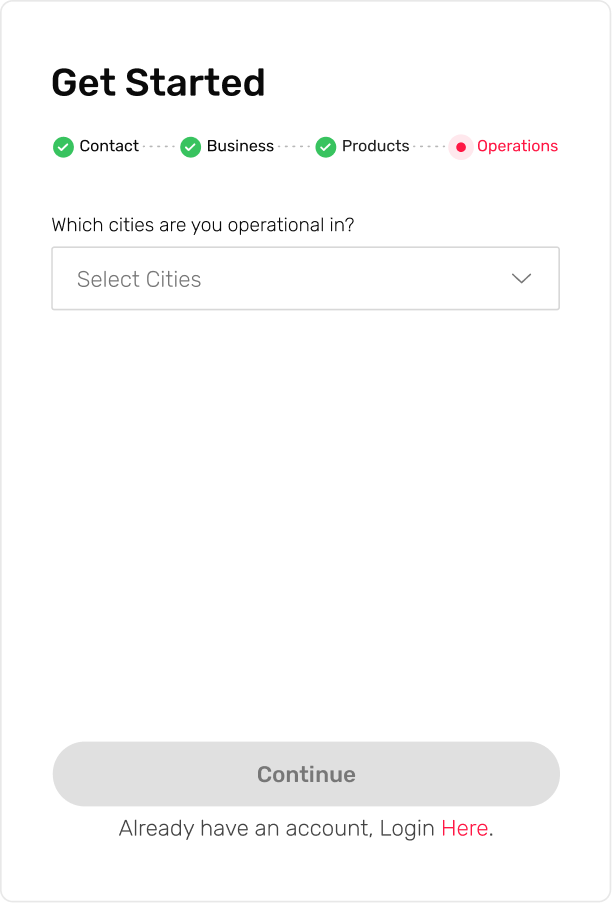
STEP 1

STEP 2

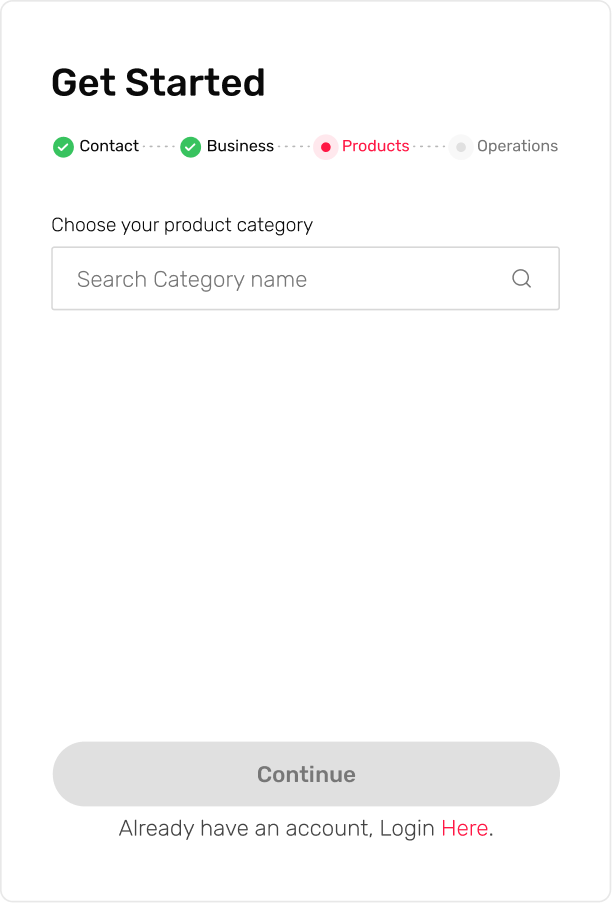
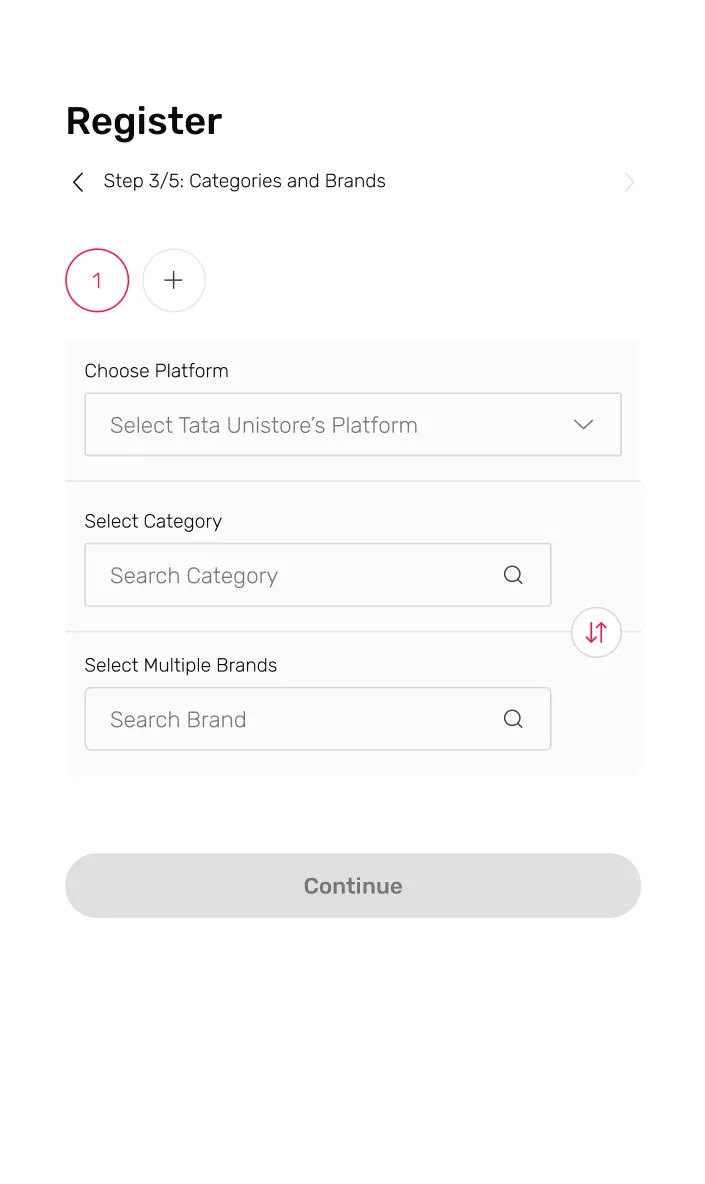
STEP 3

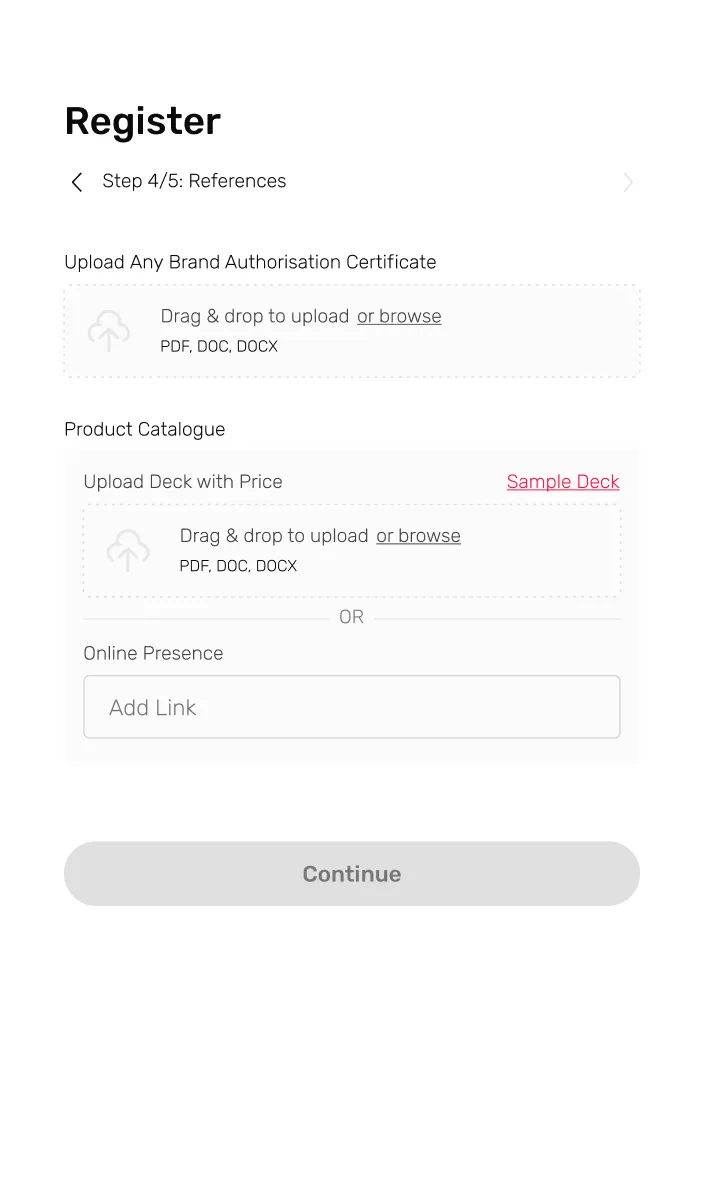
STEP 4

STEP 5

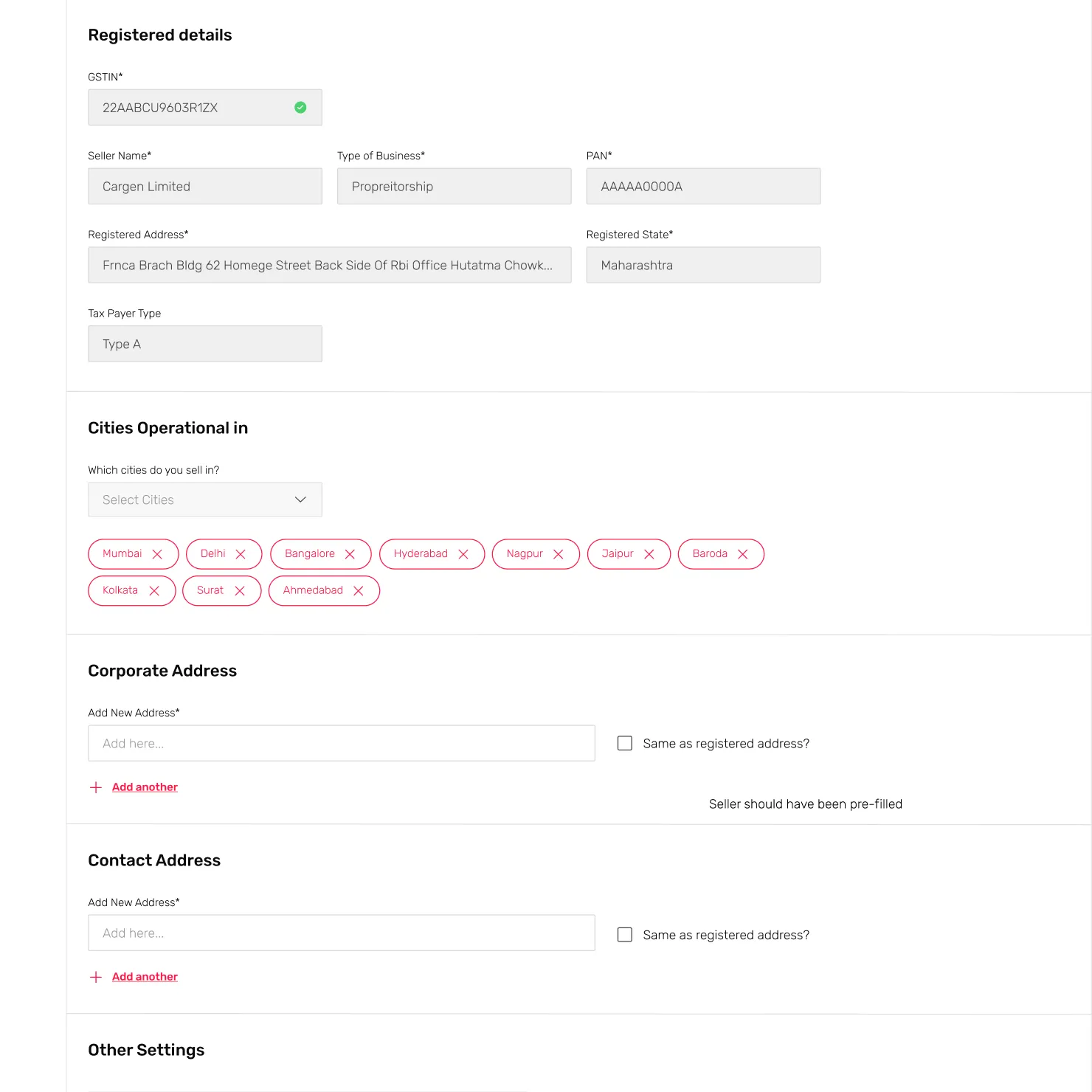
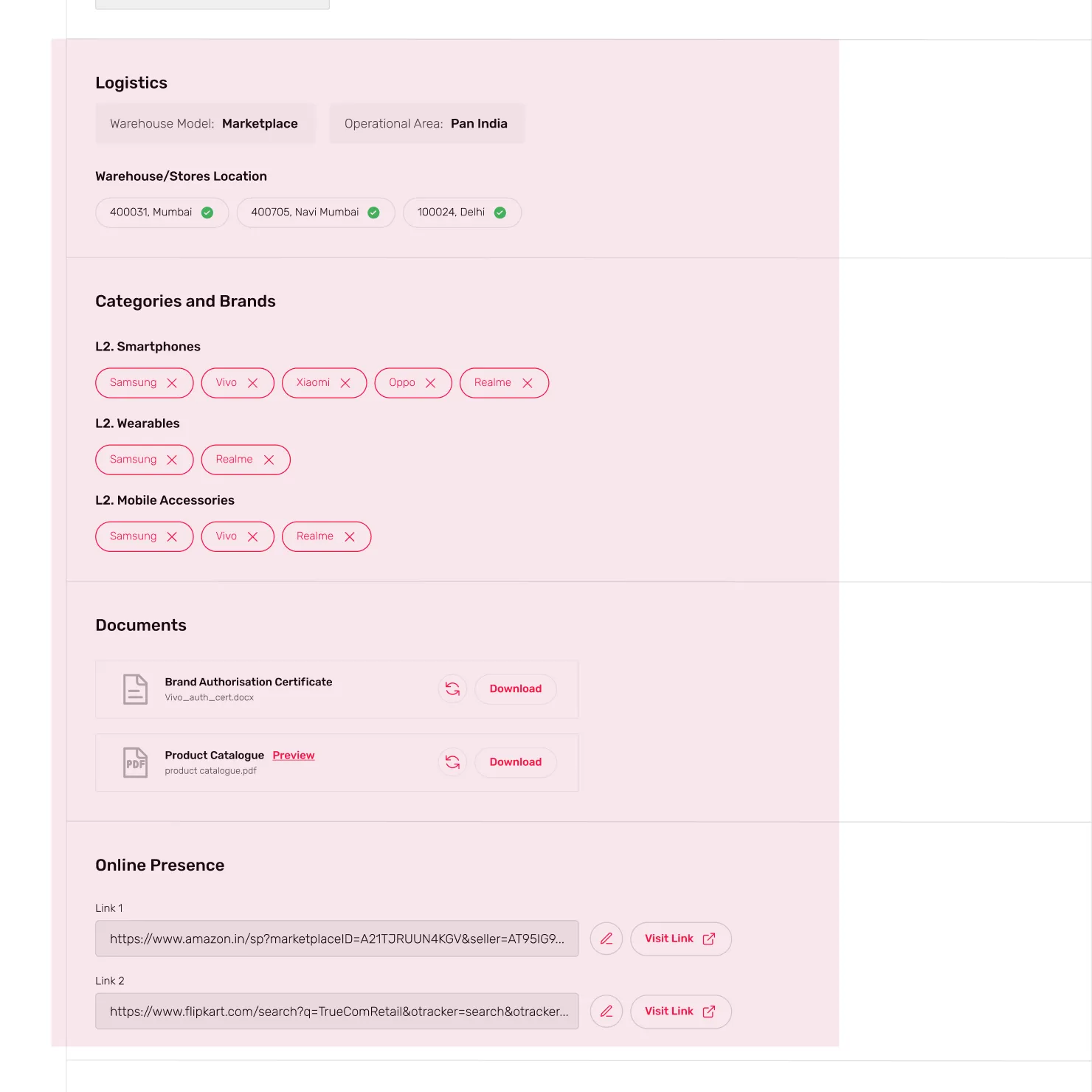
BACK-OFFICE FLOW

After

After

After

After

THE HANDOVER

After redesigning the flow and conducting a second usability test, we decided to verify its effectiveness by building a Microsoft Form. Given that the Onboarding process involved gathering requirements via a form, we developed an online form and shared it with four prospective sellers. Once the form was validated, we provided the designs to the product team to proceed with development.

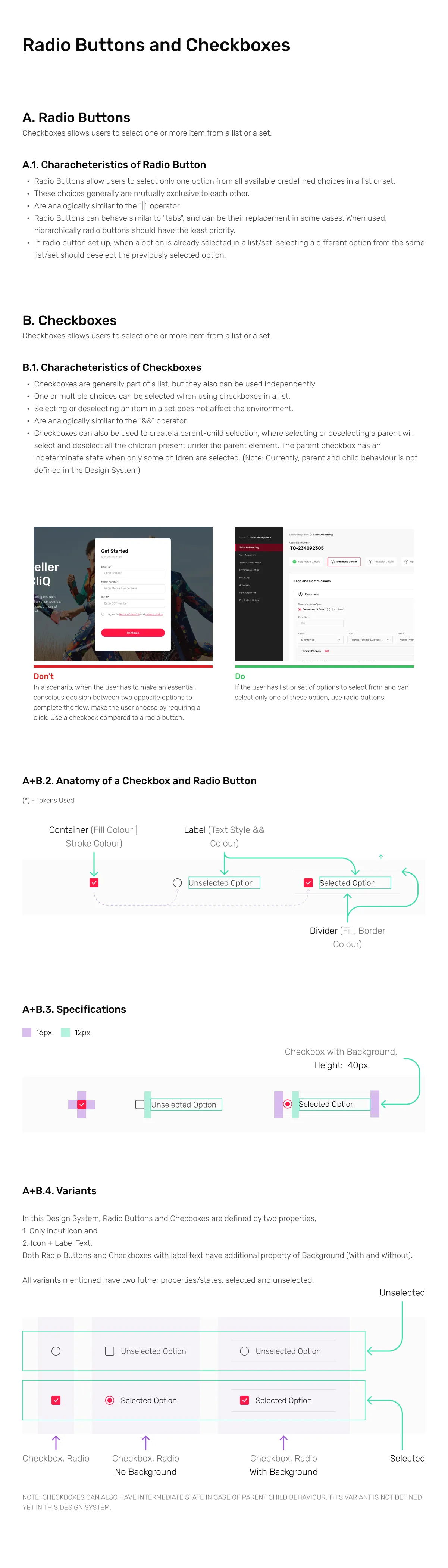
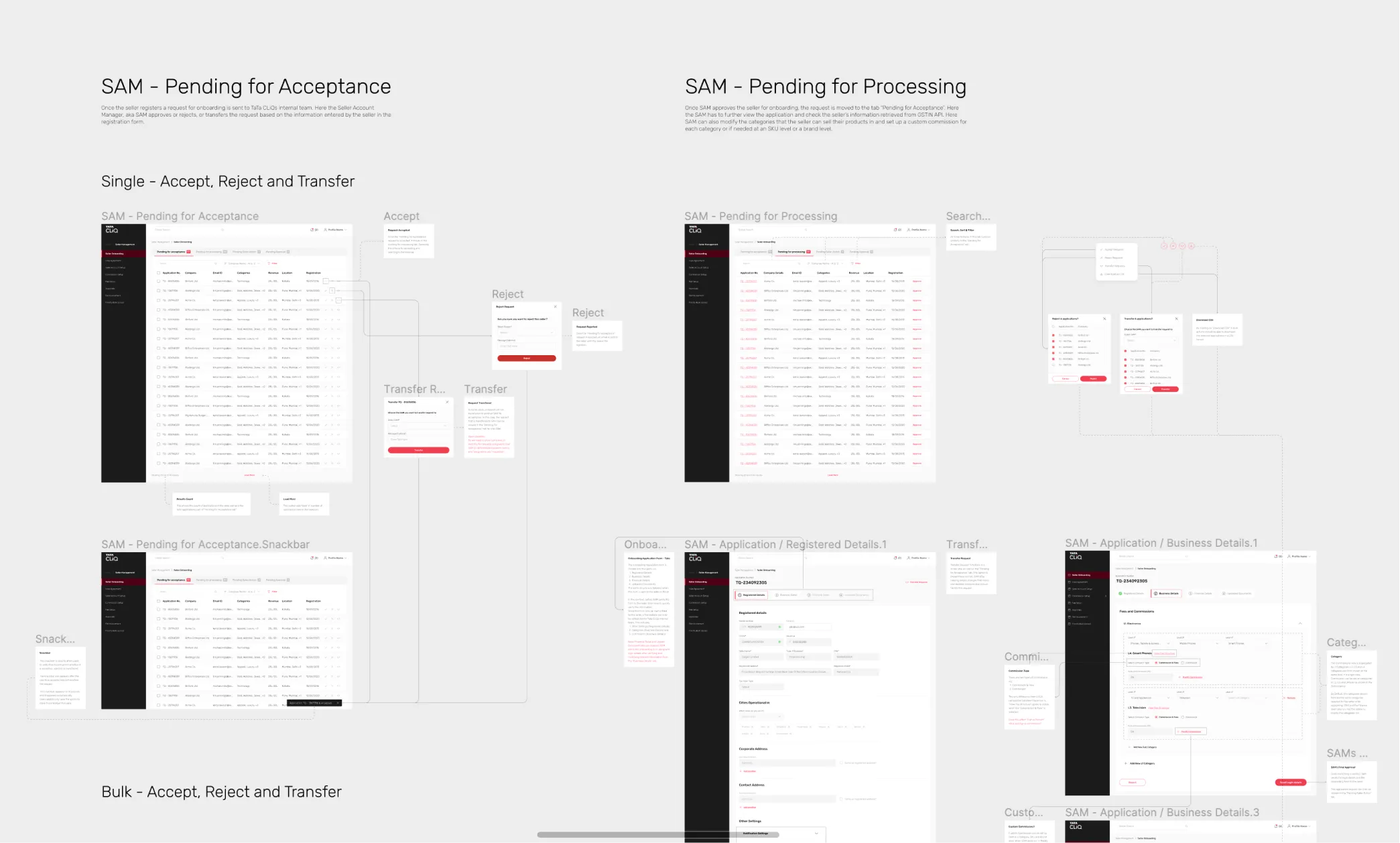
UX Documentation
The designs were extensively documented to reduce the need for design assistance during the development phase, enabling developers to work independently. Additionally, the documentation aimed to assist the product and business teams in comprehending the designs without requiring further explanation.

Thanks for
Reading !

Thanks for
Reading !